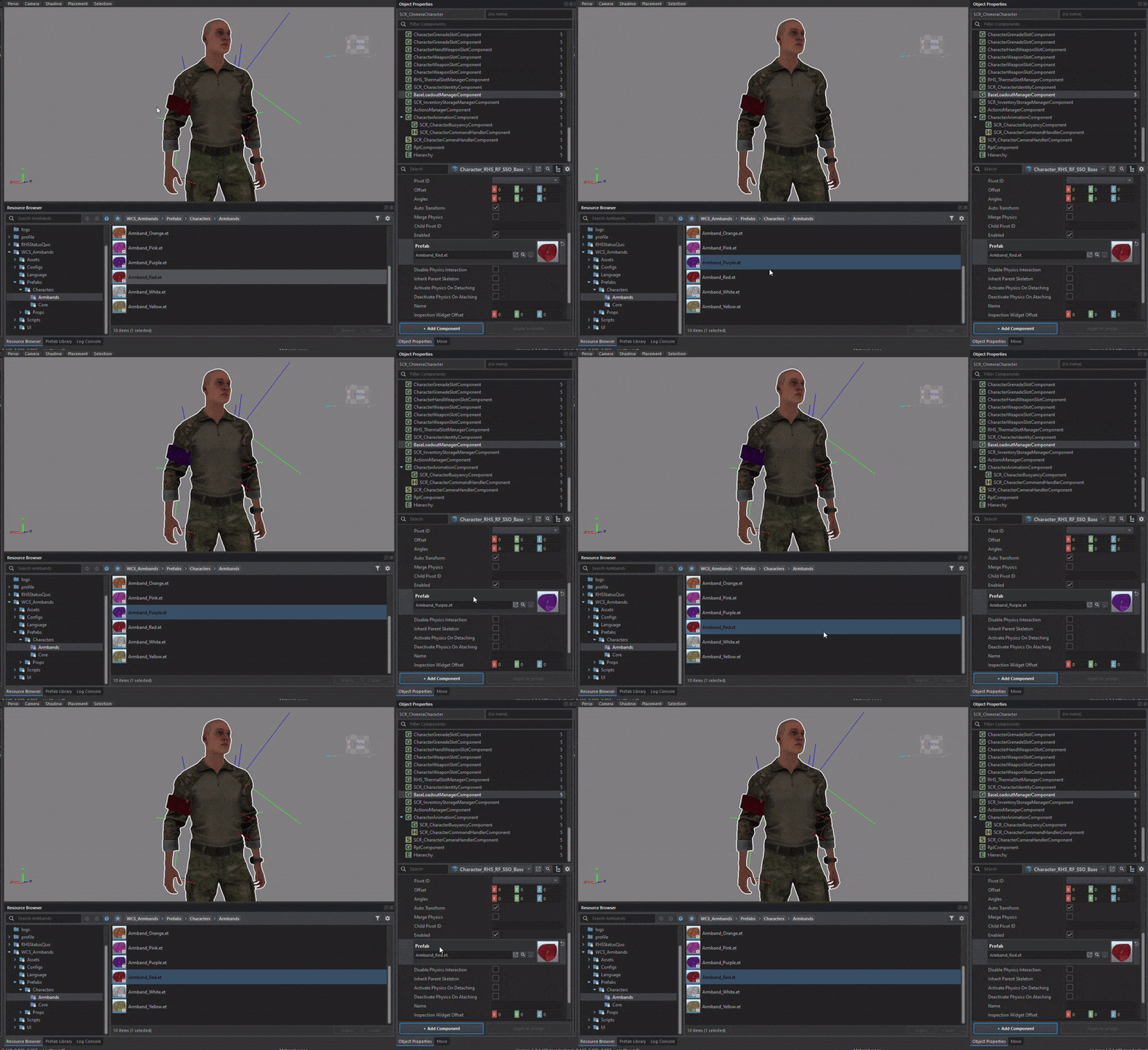
Adding armbands to a loadout
-
Edit your loadout prefab by double clicking on it in the workbench, then pressing the edit button on the far right side.

-
In your main prefab object (the character), scroll down in the components list until you find
BaseLoadoutManagerComponent.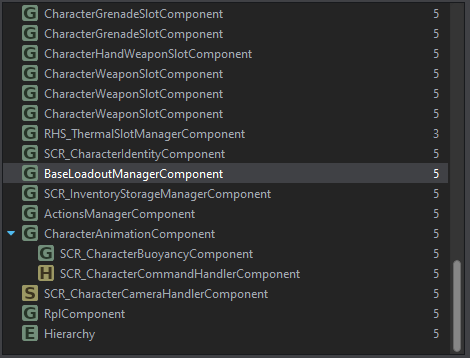
-
Expand the
Slotstree and look for the slot namedArmband.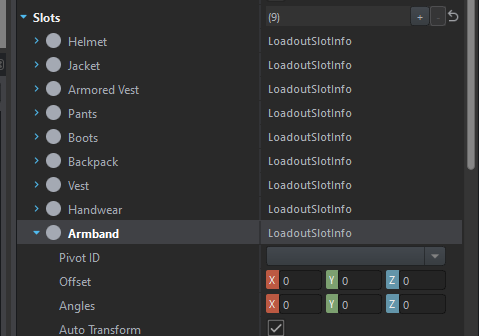
-
In the Resource Browser, find
WCS_Armbands/Prefabs/Characters/Armbands.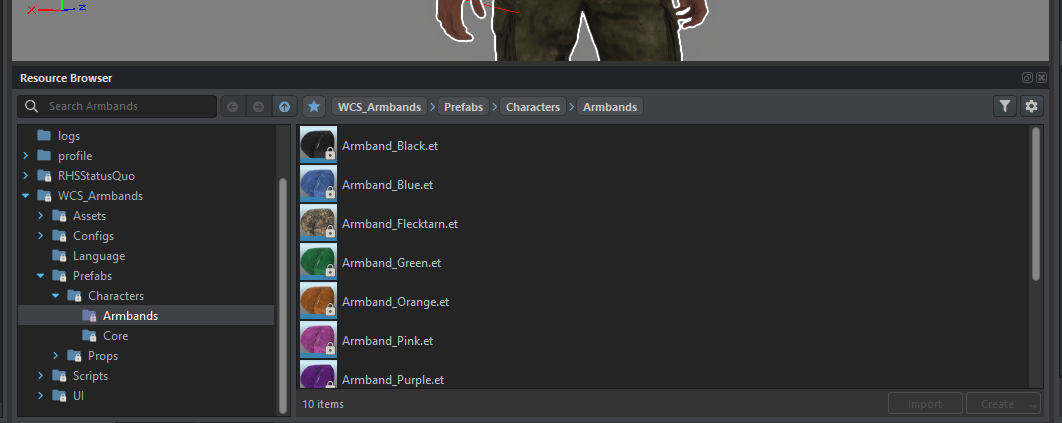
-
Drag the desired armband into the
Prefabattribute in the Armband slot in your character's loadout.